The is the landing screen for the app, which uses the current location to enable place discovery.
Once a user enters a place chat, they can engage in conversation with others
Through the Place Chat rooms, users can discover other users, tap on their profiles
Our notification system keeps users updated about all of your place and direct chat rooms
Our app provides simple and quick ways for the users to report other users, or their messages
Our feature features some crucial features, to ensure the user’s privacy and safety, allowing them
The users have all of the power necessary to make necessary changes to their profile, allowing them to change their name
C'est l'écran d'accueil de l'application, qui utilise votre position actuelle pour activer la découverte de lieux.
Une fois entré dans une discussion de lieu, l'utilisateur peut converser avec les autres.
Via les salons de discussion de lieu, les utilisateurs peuvent en découvrir d'autres et consulter leur profil.
Notre système de notifications tient les utilisateurs informés de toutes leurs discussions de lieu et conversations directes.
Notre application offre des moyens simples et rapides pour signaler d'autres utilisateurs ou leurs messages.
Nous proposons des fonctionnalités essentielles pour garantir la confidentialité et la sécurité des utilisateurs.
Les utilisateurs ont tout le contrôle nécessaire pour modifier leur profil, notamment changer leur nom.
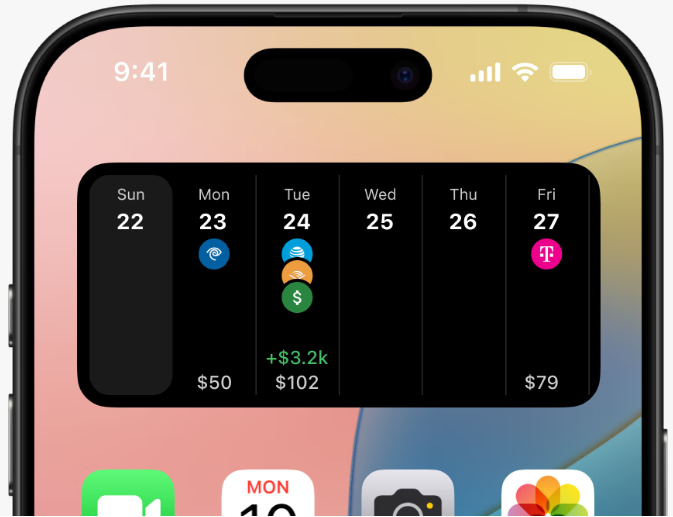
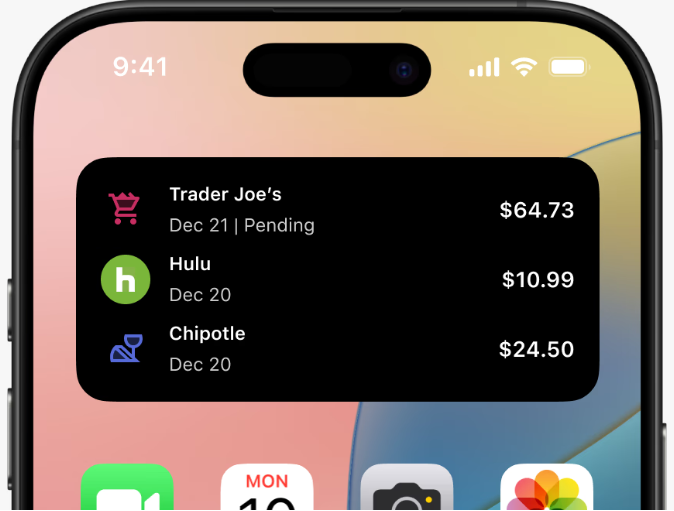
Keep an eye on every dollar coming out of your wallet.
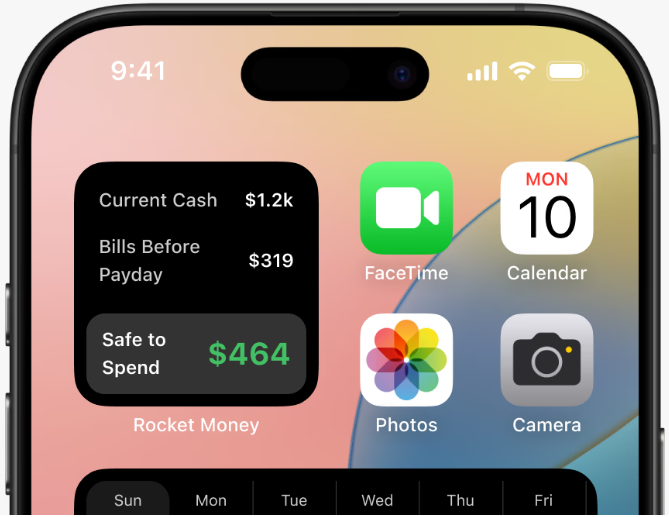
See how much you have left to spend before your next payday.
Tap and hold any empty area on the home screen until the app icons start jiggling.
Tap the "Edit" or "+" button located in the upper corner of the screen to open the widget gallery.
Use the search bar to find the Rocket Money widget.
Tap on the widget you like. You can then swipe to choose the widget size you prefer.